Your clipboard, with a memory.
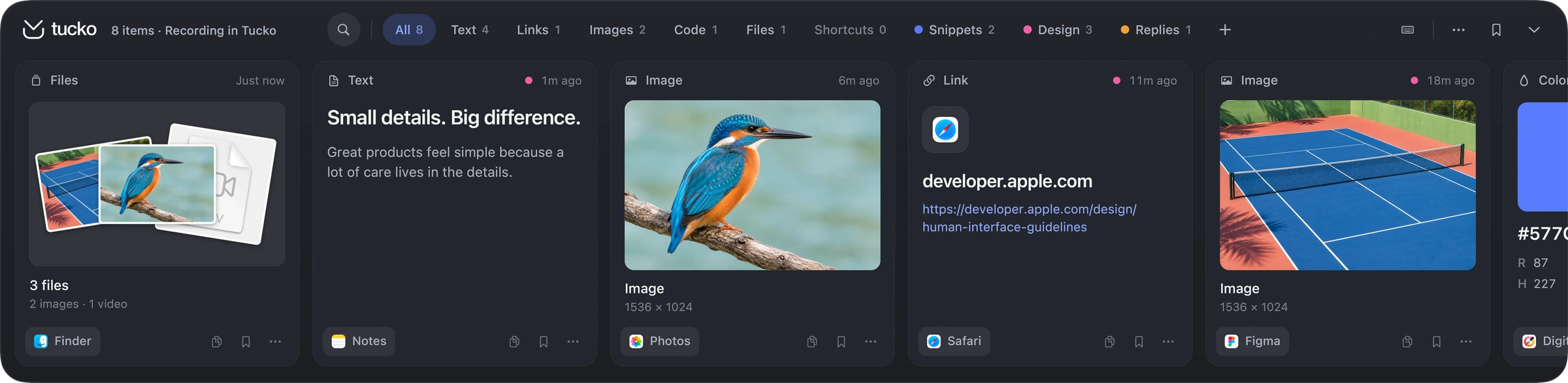
Text, images, links, code and file references.⌥ ⇧ SpaceAnd it’s back.
Tucko is a clipboard manager for Mac. Find copied text, links, images and code. Keep useful clips in pinboards and turn repeat replies into text shortcuts. Local history. One-time purchase.

Search by text, title or the app it came from. Try a format below.
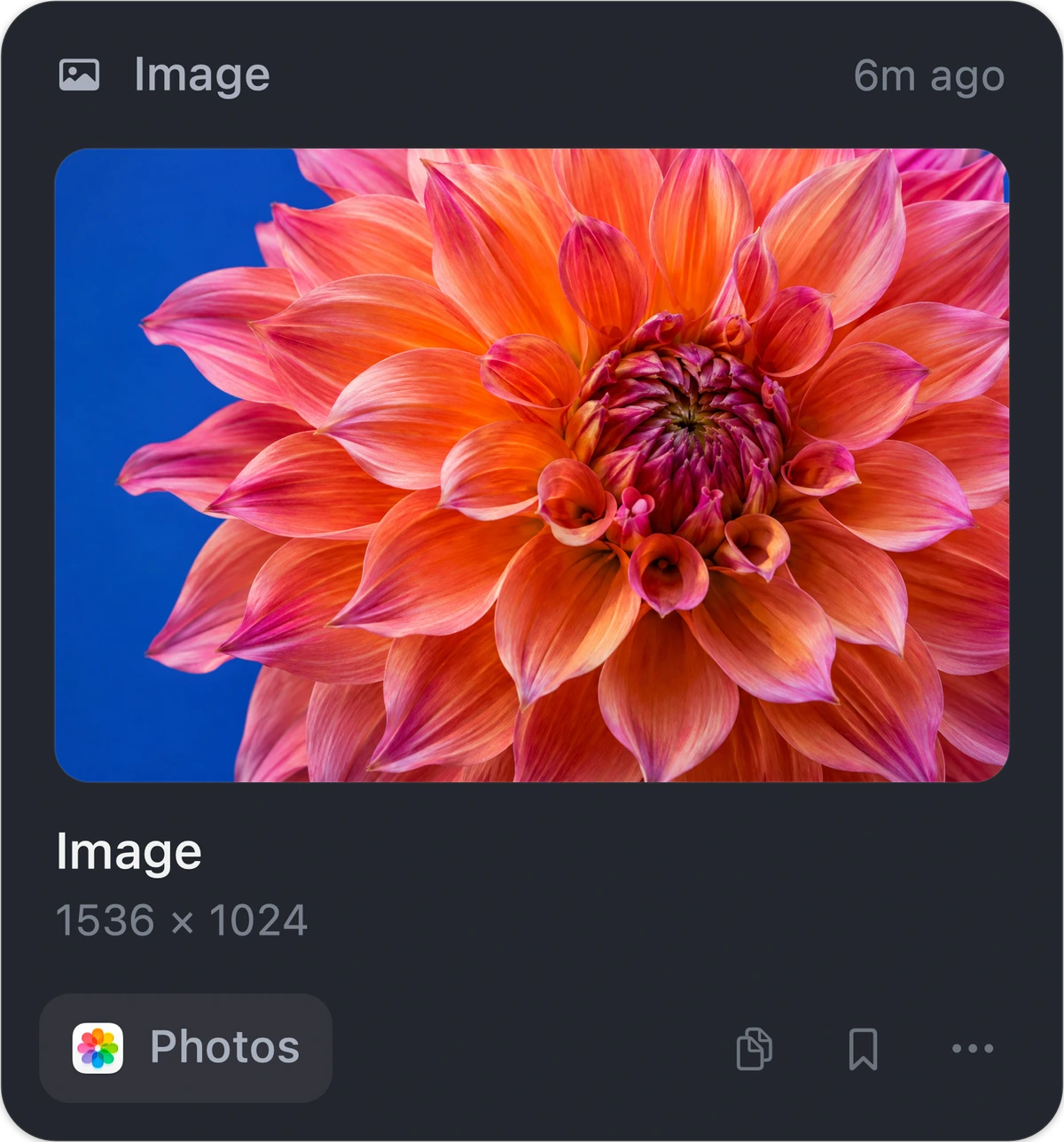
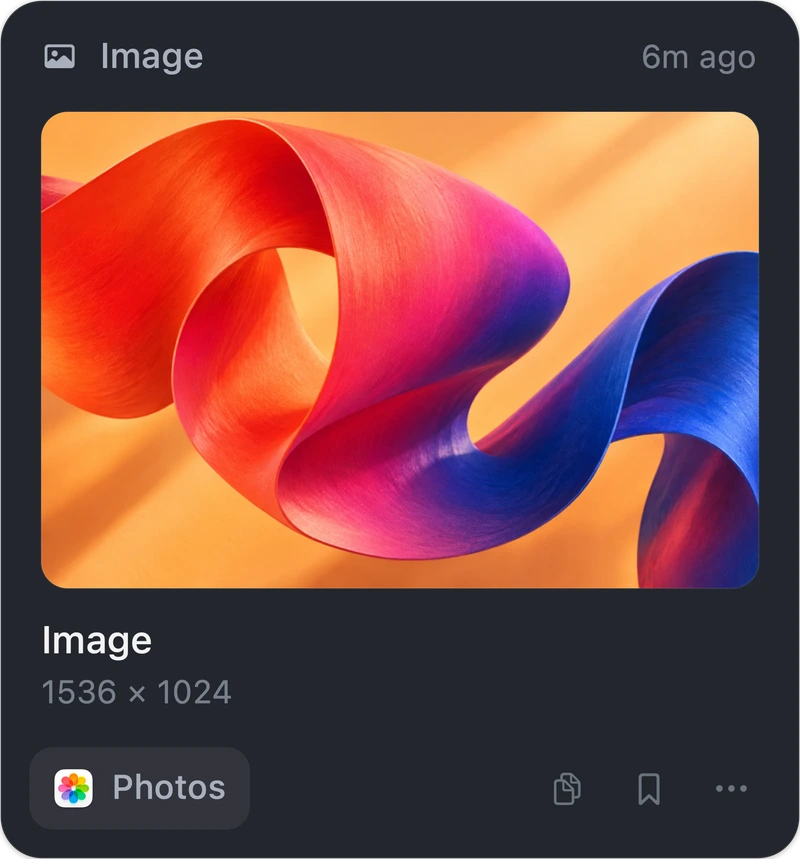
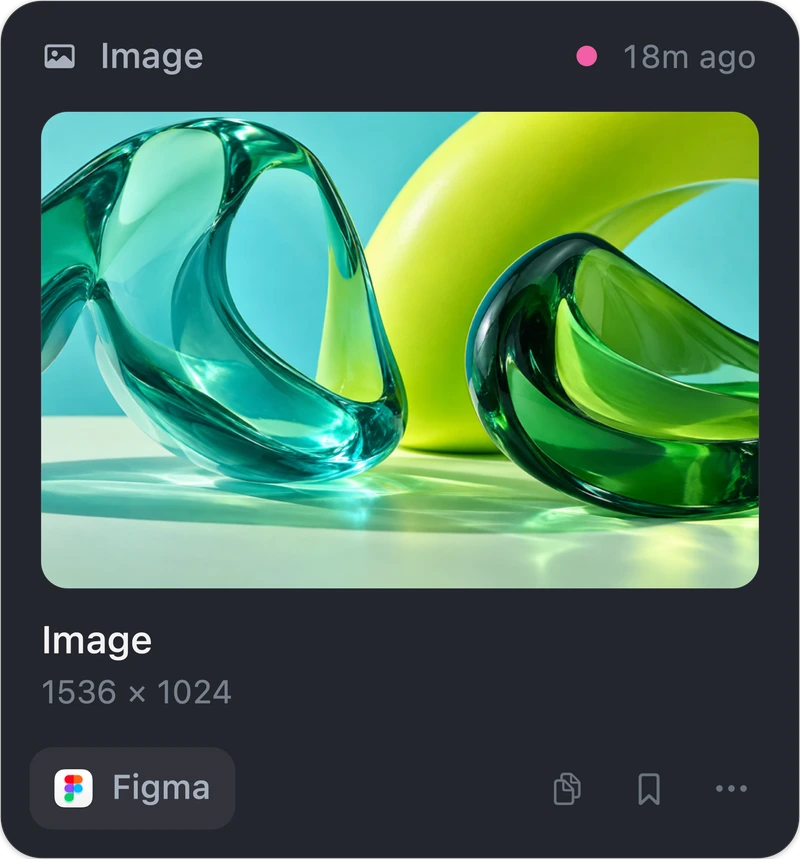
Images, just as you copied them.
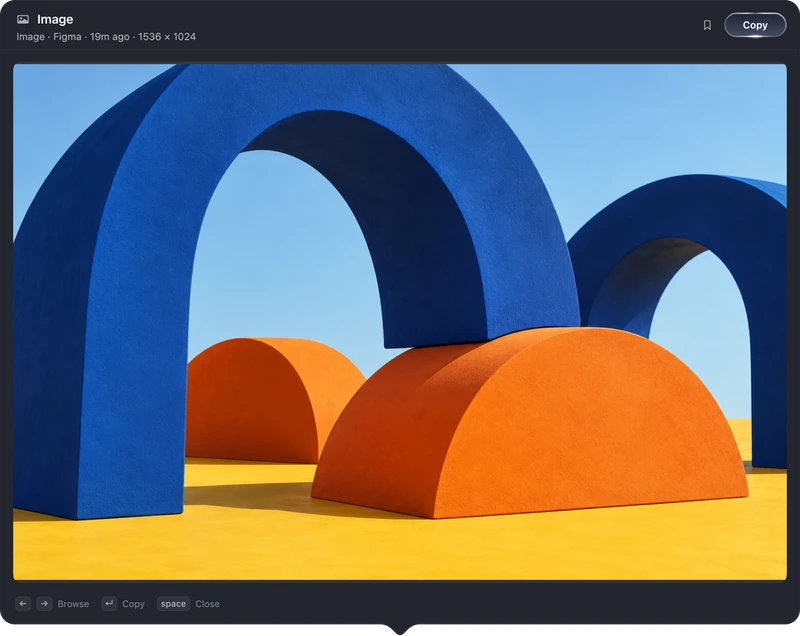
Tap Space for a full preview. Your work stays right where you left it.

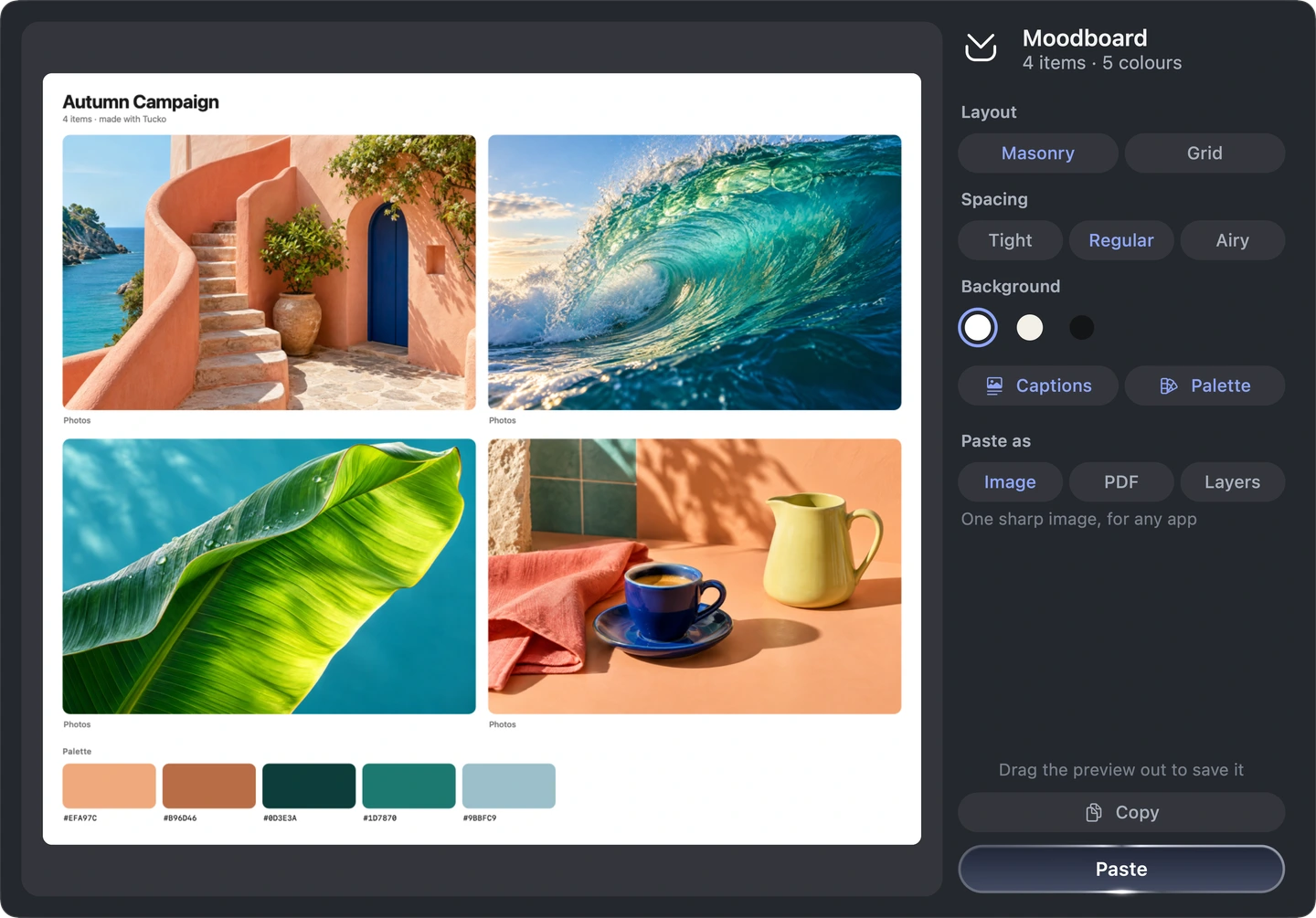
A handful of images becomes a moodboard, complete with captions and a palette pulled from your references.
Keep project links, code snippets and references together. Saved and pinned clips stay out of automatic history cleanup.
;sigType ;sig for your signature or a code you choose for a saved reply. Enable text shortcuts and allow Accessibility access to expand snippets as you type.
Select a few cards. With Accessibility access, paste into your next fields one ⌘V at a time.
Summarize, rewrite and translate clipboard text with Apple Intelligence. Requires macOS 26 or later on a supported Mac, with Apple Intelligence enabled.
hey all, quick recap from today. were moving the launch to thursday 23 october because the onboarding video isnt finished yet. Lena is recording the voiceover on monday, Sam needs the final screenshots by tuesday evening and i’ll send the press email wednesday morning. if anything slips let me know asap so we can tell the store team before friday
Press Option–Shift–Space to open Tucko. Search or choose a card, then press Return to copy it and Command–V to paste. With Accessibility access, Return can paste directly.
Click the keys to try it.
Try another search or show all clips.
Click to select · Double-click or Return to copy · Space to preview
Space to close · Left and right keys to browse
Saved items and pinboards are kept. This only removes sample clips from the web demo.


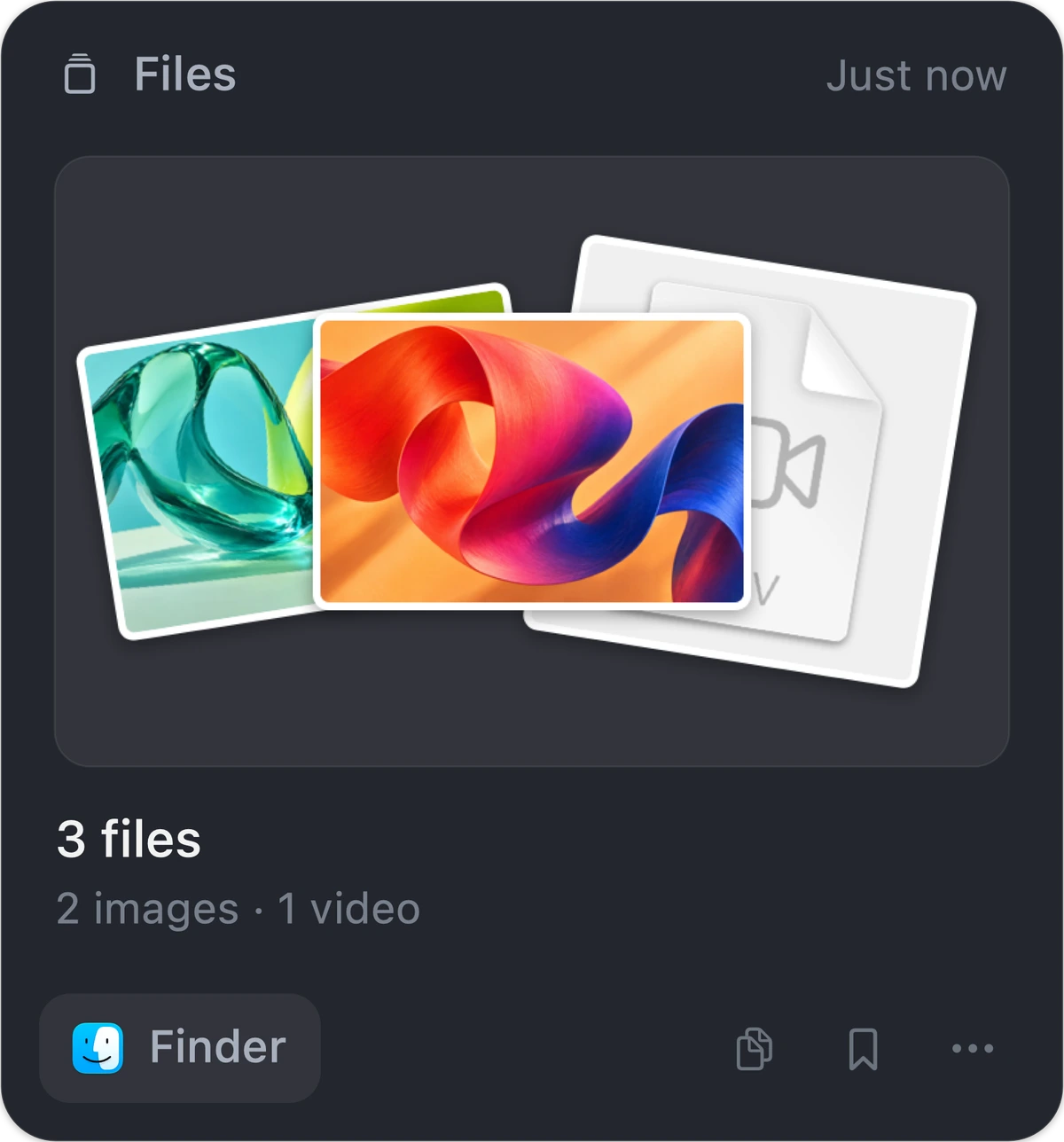
Ribbon.png
Glass.png
Preview.mov
Sample files for this demo. In Tucko, file clips refer to the originals on your Mac.
Small details. Big difference. Great products feel simple because a lot of care lives in the details.
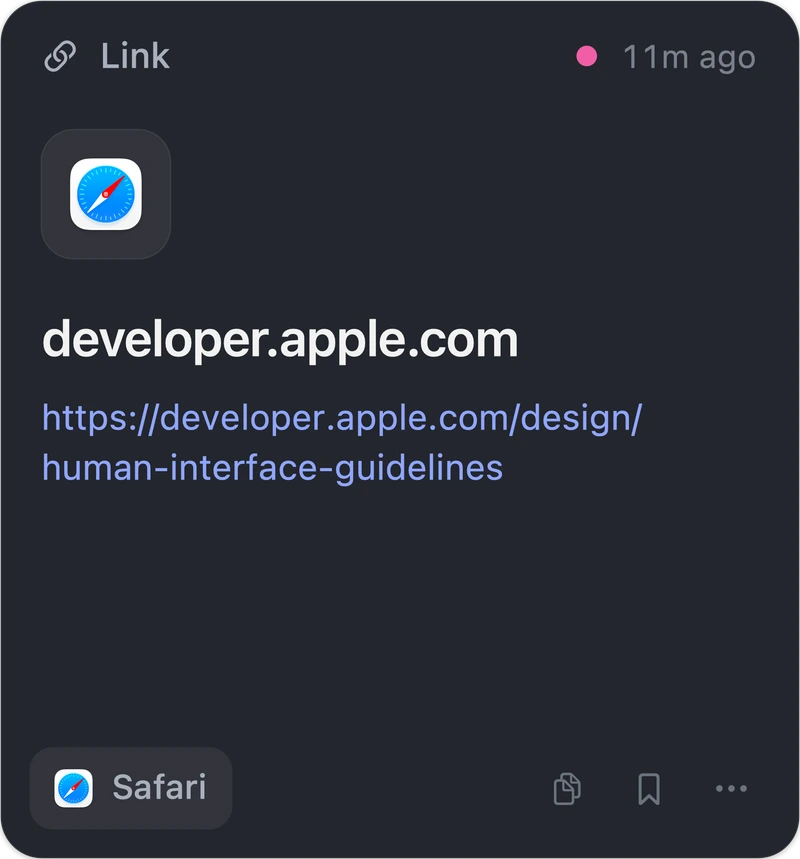
Apple Human Interface Guidelines
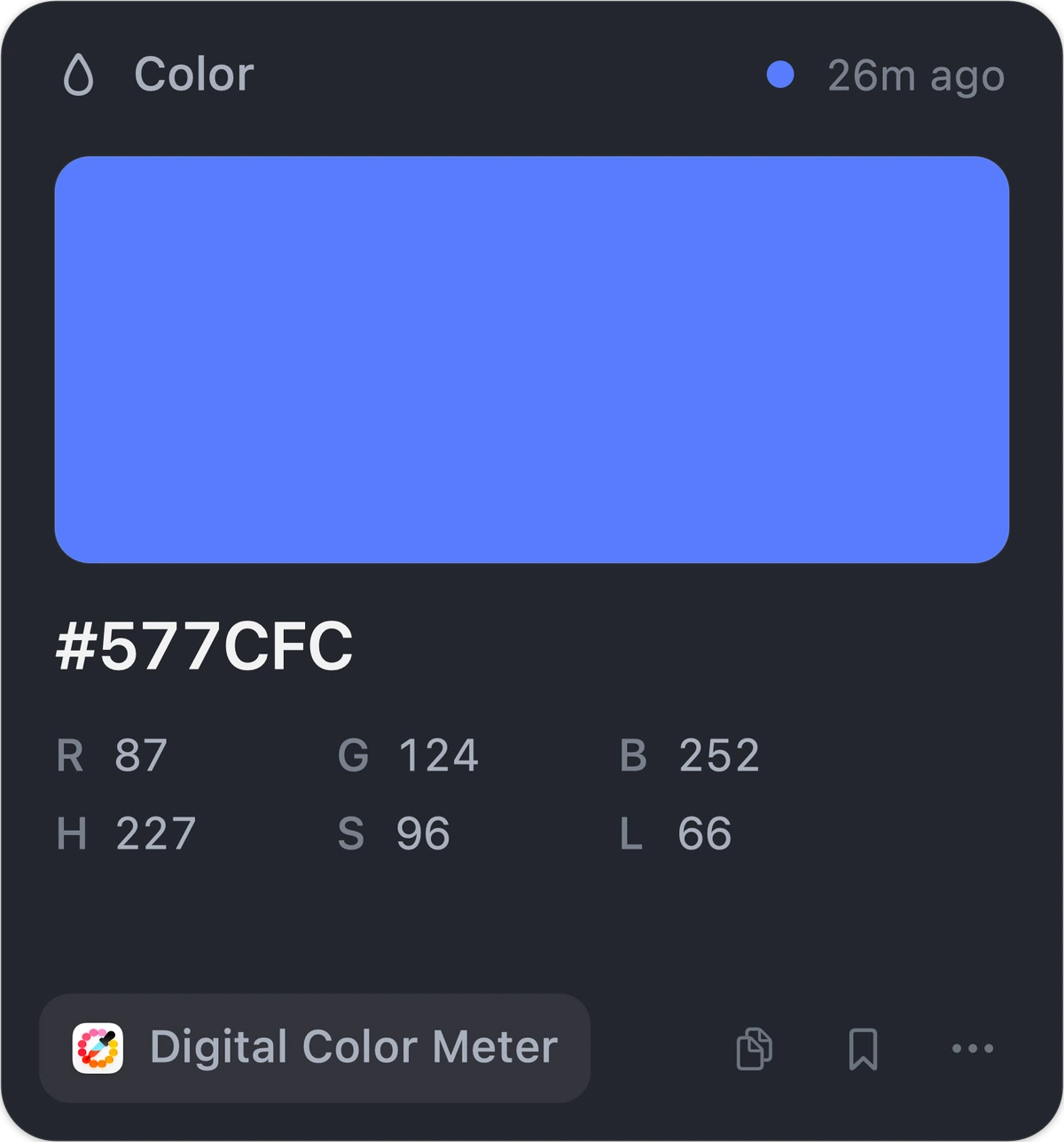
https://developer.apple.com/design/human-interface-guidelinesRGB 87, 124, 252
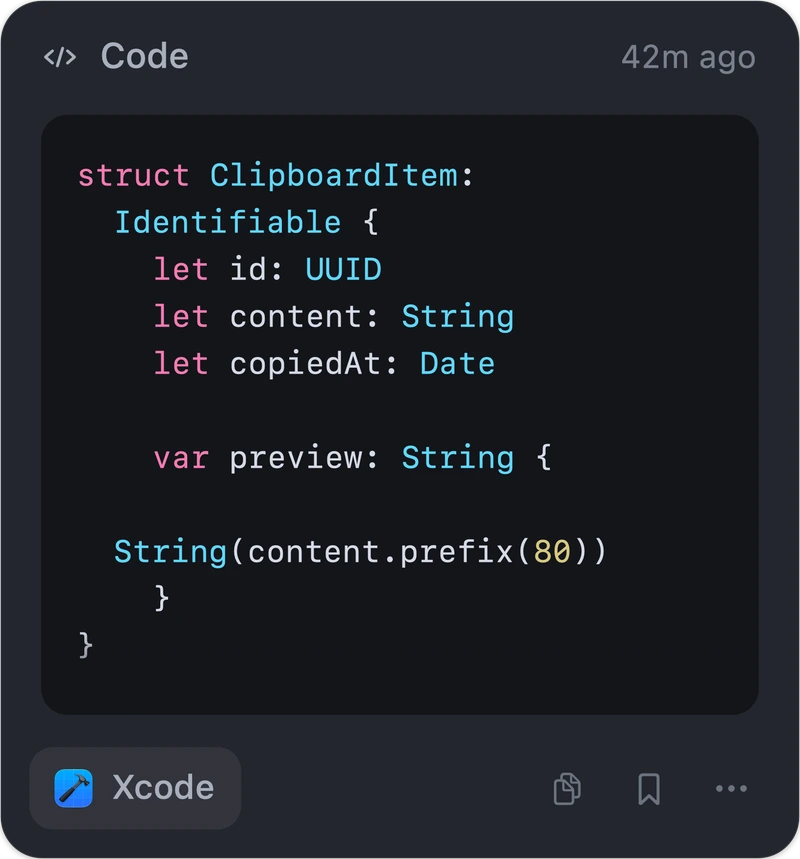
struct ClipboardItem: Identifiable {
    let id: UUID
    let content: String
    let copiedAt: Date

    var preview: String {
        String(content.prefix(80))
    }
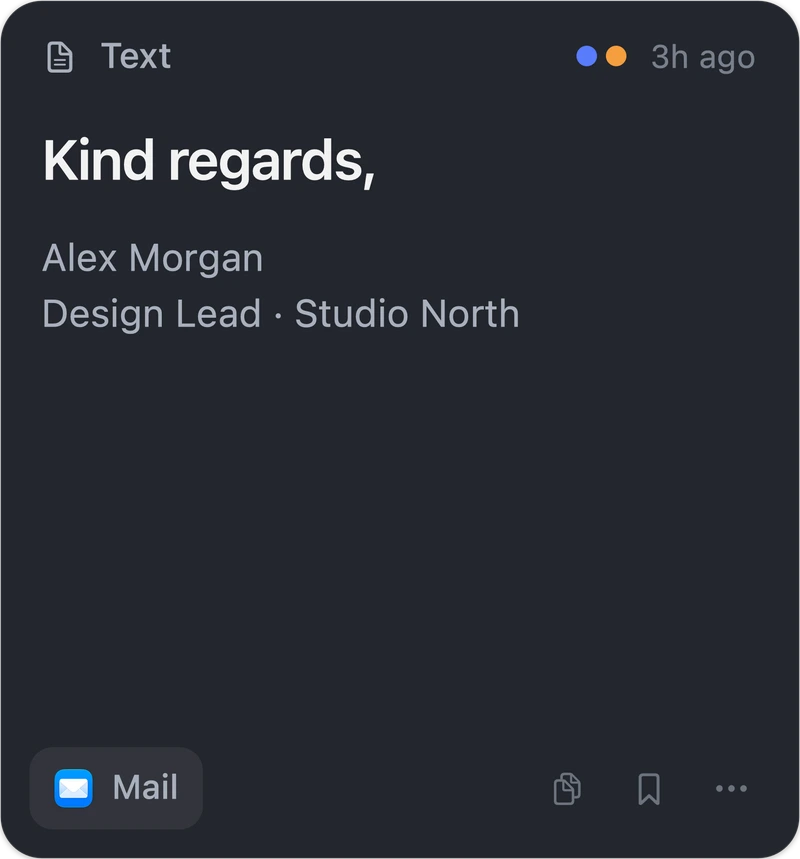
}Kind regards, Alex Morgan Design Lead · Studio North
Colour values. Readable code. More than just the text you copied.
A hex code becomes a colour you can see,
with RGB and HSL right beside it.
Syntax highlighting keeps your snippets
easy to scan and ready to reuse.
struct ClipboardItem: Identifiable {
    let id: UUID
    let content: String
    let copiedAt: Date

    var preview: String {
        String(content.prefix(80))
    }
}A dedicated place for your snippets.
Change any shortcut in Settings. Tucko checks each new combination against the others before it saves, so one key never does two things.
Click a shortcut and press new keys.
Shortcuts
System-wide
In the clipboard
Bring copied text, images and links together in one visual shelf. Save the useful parts in pinboards, turn repeat replies into text shortcuts and keep your history on your Mac. Put your clipboard to work.
No account, no cloud sync and no analytics in the Mac app. Read the privacy policy.
Your history lives locally. No account, no cloud storage and no in-app analytics.
Tucko skips private clipboard markers and filters likely sensitive text. You can exclude apps from capture.
Hide the shelf in screen sharing and recordings. Pause capture whenever you need to.
Pricing
No subscription. The price goes up as licences sell, so early buyers pay the least.
Founding price · 49 spots left
After 50 licences
Live availability is temporarily unavailable. Confirm the current price at checkout.

€6.99
One-time · VAT included
Try every feature free for 7 days
No card required.
Tucko is a clipboard manager for Mac. With capture enabled, it saves supported copies of text, links, images, code, colours and file references as cards on a searchable shelf. Press ⌥ ⇧ Space to open the shelf over any app, search or browse, and press Return to copy a selected item. Command–V pastes it; Accessibility permission enables direct paste. Your history stays on your Mac.
No. Tucko builds history from supported clipboard items it captures while running with capture enabled. It cannot reconstruct older copies that were already overwritten, or copies made while capture was paused.
Tucko is free to try for 7 days, then requires a one-time licence. It is not a permanently free app and has no recurring subscription. On macOS 26 and later, Spotlight also provides built-in clipboard history.
Yes. Copy a reply or signature, open its card menu in Tucko and choose Add Text Shortcut. Assign a code such as ;sig, enable Expand text shortcuts and grant Accessibility access. Typing that code inserts the saved content in a compatible text field. Text expansion does not require Apple Intelligence.
Tucko searches a clip’s text, title and source app. It does not currently use OCR to search text inside images, or search the contents of referenced files.
Yes. Download Tucko and try every feature free for 7 days from first launch, with no account or payment card required. When the trial ends, the app locks until you activate a valid licence key. Your saved history stays on your Mac. Buying a licence is a one-time payment, not an automatic charge.
Enter the Tucko licence key from your Polar purchase to activate your Mac. Activation needs an internet connection; a verified licence then works offline for up to seven days before another check is needed. Tucko checks for updates daily and shows an update window when a new version is available. You choose whether to install it, and can also use Check for Updates from the Tucko menu.
Tucko is a one-time purchase, not a subscription. Prices include VAT, and Polar handles secure checkout. Launch pricing goes up as copies sell: €6.99 for buyers 1 to 50, €9.99 for buyers 51 to 100, €14.99 after that. Every licence includes every 1.x update, works on up to 3 of your Macs and comes with a 14-day return policy.
Each advertised launch price applies to a limited number of licences. Once the first 50 sell, the price moves to €9.99, and after the next 50 it settles at €14.99. Whatever price you pay, you keep the same licence and updates.
Yes. If Tucko isn’t for you, you can return it within 14 days of buying for a full refund.
On macOS 26 and later, open Spotlight with Command–Space and press Command–4 for clipboard history. With Tucko running and capture enabled, press Option–Shift–Space to open your visual clipboard history, then search by text, title or source app. Tucko also runs on macOS 12, 13, 14 and 15.
macOS 12 or later, on Apple silicon and Intel. The app is a single universal download. AI actions need macOS 26 or later on a supported Mac with Apple Intelligence enabled and its model ready.
Spotlight offers built-in clipboard history. Tucko adds a dedicated visual shelf for text, images, links, code and file references, with pinboards, saved items, previews, moodboards and text shortcuts. It retains up to 30 days and 2,000 unsaved items by default, subject to storage limits, and also runs on macOS 12, 13, 14 and 15.
No. History is stored in Tucko’s private container on your Mac. There are no accounts, no sync servers and no analytics. Tucko contacts Polar to activate and periodically verify your licence, and tucko.app to check for updates. Optional link previews and live web pages also make network requests. None of these requests includes your clipboard history.
Items that password managers mark as private are always skipped. By default Tucko also skips copies that look like passwords, private keys, access tokens and card numbers, and you can add apps it should ignore completely. Detection is not foolproof: unmarked sensitive text can still be captured.
Tucko keeps up to 30 days and 2,000 unsaved items by default, subject to its storage budget. You can change the retention period. Saved and pinned items are excluded from automatic retention cleanup; you can delete them yourself.
Press Return and Tucko copies the item and switches back to your app, so ⌘V pastes it. If you allow Accessibility access, Return can paste straight into the app instead.
No. Tucko has no cloud of its own. When macOS hands over something through Universal Clipboard, Tucko can save it like any other copy.
It keeps references to them, the way Finder’s copy and paste does, with thumbnails on the card. If the original file is moved or deleted, it can no longer be pasted.
Find an earlier copy, make a reusable shortcut, and keep your next project organised.
Find the current copy, open Spotlight history and learn the shortcuts.
Turn signatures, replies and snippets into shortcuts you can type.
Build project pinboards, collect visual references and paste several items in sequence.

Turn on clipboard history in Tucko, then use ⌥⇧Space to find your saved text, links, images and code.
With your permission, PostHog measures visits and download and purchase clicks. No clipboard content or session recordings. Privacy details